Interaction to Next Paint (INP): The Core Web Vital Most Sites Are Still Failing
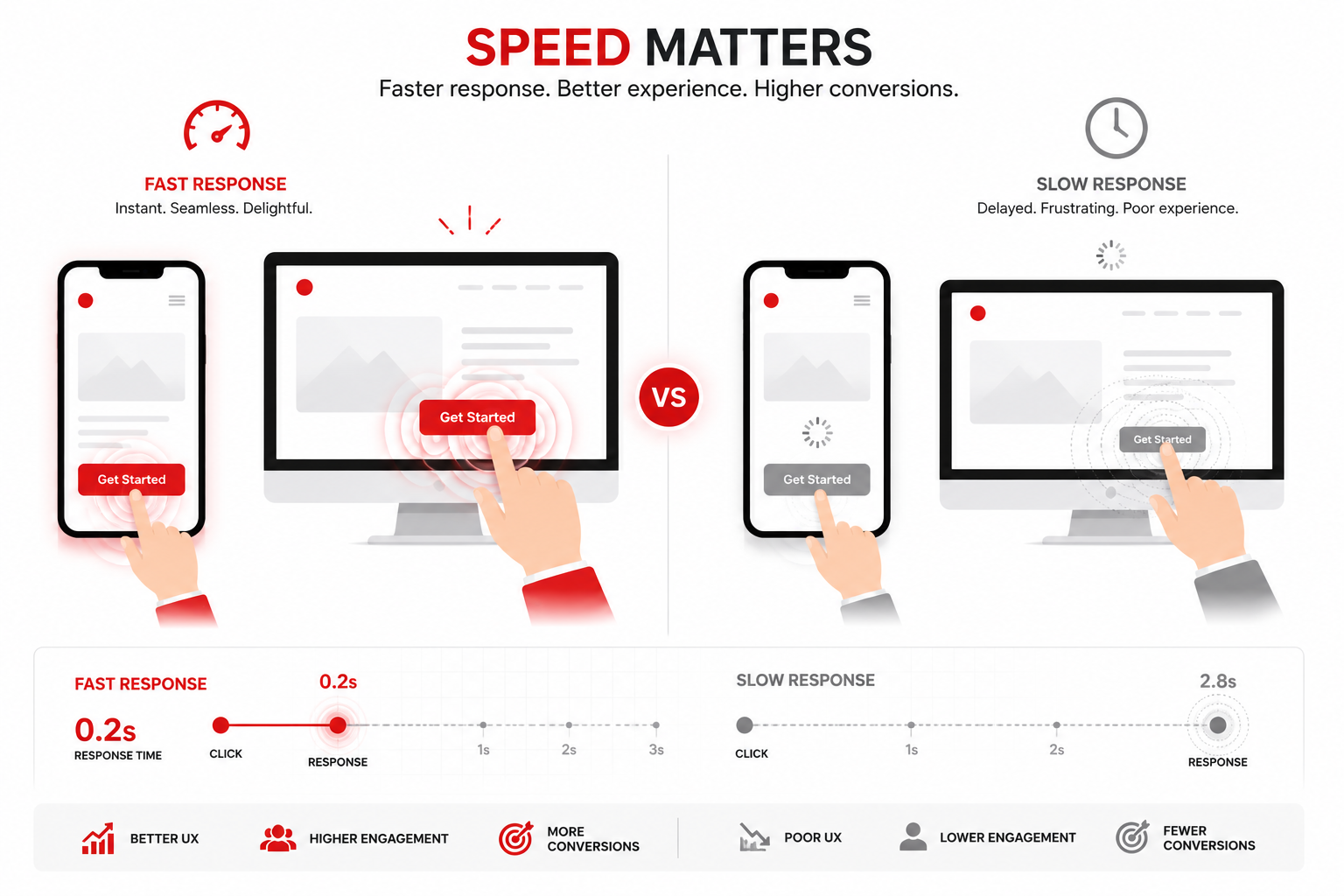
Google replaced First Input Delay (FID) with Interaction to Next Paint (INP) as an official Core Web Vital, and the shift exposed something most site owners didn't expect: a huge number of sites that were "passing" Core Web Vitals under the old metric are quietly failing under the new one.
What INP Actually Measures
FID only measured the delay before the browser started processing your first click or tap. INP is stricter — it measures the full time from a user's interaction (click, tap, or key press) to the moment the browser visually updates the page in response, and it tracks this across the entire session, not just the first interaction.
That means a site can look snappy on the first click and still score poorly on INP if a button on page four takes 400ms to respond after a heavy script finally finishes loading.
Google's thresholds are strict:
- Good: under 200ms
- Needs improvement: 200–500ms
- Poor: over 500ms
Why Most Sites Fail It
INP problems almost always trace back to one of these:
- Long JavaScript tasks blocking the main thread. Anything over 50ms without yielding delays every interaction queued behind it.
- Heavy third-party scripts. Chat widgets, analytics tags, and ad scripts are frequent offenders — they run on the main thread and directly compete with user interactions.
- Unoptimized event handlers. Poorly written click or scroll handlers that trigger expensive re-renders or layout recalculations on every interaction.
- Large DOM size. A bloated DOM means every style recalculation and re-render — even from a small interaction — takes longer.
Page builder–generated sites are especially prone to this because they load generic, unoptimized JavaScript for every interactive element, whether or not that functionality is actually being used on a given page.
How to Actually Fix INP
Break up long tasks. Splitting large JavaScript execution into smaller chunks lets the browser yield control back to the user between tasks, dramatically cutting perceived delay.
Audit and trim third-party scripts. Every widget you've bolted on is worth re-evaluating. Load non-critical scripts with defer or lazy-load them after the main interaction paths are ready.
Debounce and optimize event handlers. Avoid expensive DOM reads and writes inside click or scroll listeners — batch them instead.
Reduce DOM complexity. Custom-coded component architectures (rather than nested page-builder wrapper divs) keep the DOM lean, which pays off directly in INP scores.
Test under real conditions, not just lab conditions. Lighthouse gives you a lab estimate, but INP is best measured with real user data via the Chrome User Experience Report (CrUX) or field data tools, since actual device and network conditions vary widely from a lab test.
Why This Matters Beyond Rankings
INP isn't just an SEO checkbox — it's a direct measure of how frustrating your site feels to use. A slow-to-respond checkout button or a laggy filter menu costs conversions long before it costs rankings. Fixing INP tends to improve both at once.
Get Your INP Score Checked
A proper technical audit will show you exactly which pages and interactions are dragging your INP down — and whether the fix is a quick script cleanup or a deeper rebuild. You can start with a free instant website audit, browse real performance case studies in the portfolio, or book a free 30-minute consultation to walk through your site's specific bottlenecks.